In today’s world, making great content is more important than ever. Creators want to make sure their videos and music go together smoothly. The right Beat Free Video Editing Apps can make any video look amazing.
You don’t have to spend a lot of money to make great videos anymore. Now, you can make top-notch clips right from home. These apps help turn simple videos into eye-catching stories that grab people’s attention on social media.These apps are easy to use, even if you’re new to video editing. By picking the right app, you can work more efficiently and focus on your creativity. Consistency and quality are key to winning fans in the United States.
Key Takeaways
- High-quality production is now accessible to everyone without high costs.
- Syncing visuals to music creates a more engaging viewer experience.
- Modern software allows for professional results on a budget.
- User-friendly interfaces help beginners learn the ropes quickly.
- Consistent content creation is essential for growing your online presence.
Top Beat Free Video Editing Apps for Creators
Finding the right software is key to mastering rhythmic video editing. It doesn’t matter if you’re new or experienced. The right video editing software can change how you work and what you make.
Today, many free editing tools are powerful. They have features that used to cost a lot. These tools help you match your video cuts with your audio perfectly.
CapCut for Automated Beat Detection
CapCut is loved by social media creators. It has great music beat detection. This feature finds the loud parts in your audio and lets you mark them easily.
Using these Beat Free Video Editing Apps saves a lot of time. The AI helps your clips match the music perfectly. This makes your videos look professional and smooth.
VN Video Editor for Precision Manual Syncing
VN Video Editor is great for those who want control. It has a fast and accurate interface for manual syncing.
This app lets you adjust frames one by one. It’s perfect for complex rhythms. You can match visuals with music’s small details easily.
DaVinci Resolve for Professional Grade Rhythmic Control
For top-level professional video editing, DaVinci Resolve is the best. It’s more challenging to learn but offers unmatched control.
It has tools for deep audio analysis. You can see waveforms clearly. This lets you adjust audio and video with great precision, making sure every beat is matched.
Preparing Your Media for Beat-Synced Editing
Creators know that getting ready is key for smooth editing. Before you start with your video editing software, make sure your visuals match the audio beat. This step makes every cut feel right and connects with your viewers.
Selecting the Right Audio Track for Your Project
The music you pick sets the mood and pace of your edit. With free editing tools, find tracks with clear beats. A steady tempo makes cuts smoother and the video flow better.
Organizing Clips by Tempo and Visual Energy
Sorting your footage is a top video production tip. Sort clips by energy and action speed. Fast clips match upbeat music, and slow ones fit melodic parts.
- Group fast-paced clips for high-intensity drops.
- Save slow-motion footage for atmospheric build-ups.
- Label your files clearly to maintain a clean video editing workflow.
Setting Up Your Project Timeline for Success
Good video timeline management is vital for complex projects. Start with your audio track as the base. A well-organized timeline helps avoid creative blocks.
Consistency is key in managing your assets. Keep main footage on the main track and use others for overlays or text. This way, you can focus on the creative flow without losing files.
Step-by-Step Guide to Syncing Clips to Music
Learning to sync video to music makes your stories better. When your video and music match, it looks and feels great. It takes time, but it makes your video feel professional and keeps viewers interested.
Importing Assets and Aligning Audio Waveforms
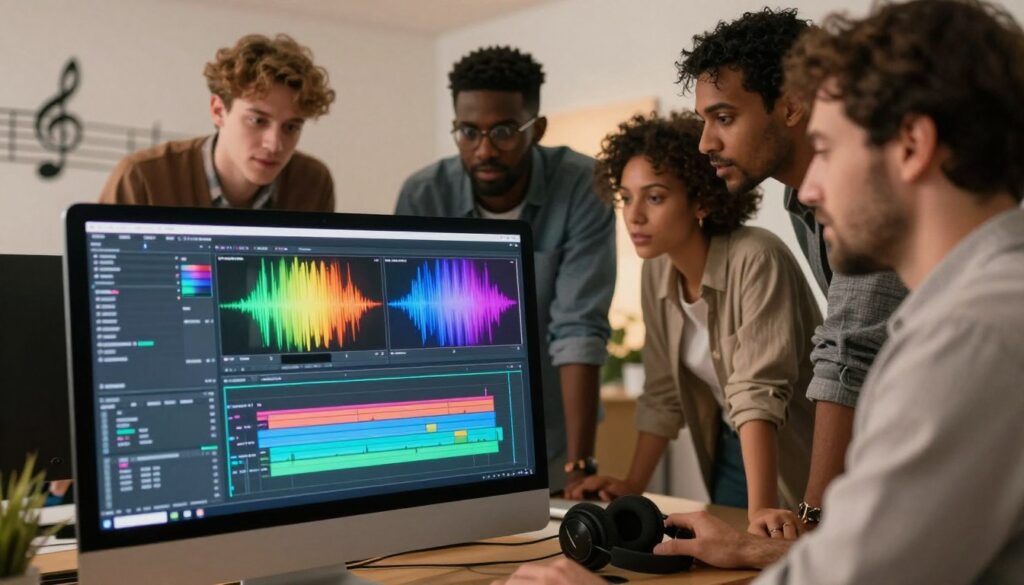
First, add your video and music to your project. Put the music on the timeline first. Then, make the audio track bigger so you can see the waveform clearly.
The high points on the waveform show the loudest parts, like drum hits. This helps you know when to cut your video without listening to the music over and over.
Marking Beats on the Timeline
Good video timeline management uses markers for important moments. Press the “M” key or the marker button on each beat. This makes a visual guide on your timeline.
- Mark the start of every big musical phrase.
- Use different colors for fast and slow parts.
- Make sure your markers are exact to avoid bad cuts.
Cutting and Trimming Clips to Match Rhythmic Markers
With your markers set, start placing your video clips. A good video editing workflow snaps clips to markers. This makes sure your scenes change with the music.
If a clip is too long, cut it with the razor tool. Precision is key here. Even a little bit off can slow down your edit. Always zoom in to check if the clip fits perfectly.
Applying Transitions to Enhance Beat Transitions
After your cuts are set, add creative video transitions. Simple cuts work for fast music, but effects can make slow parts look better. Use them carefully to keep the focus on your content.
"The rhythm of the edit should mirror the heartbeat of the music, creating a seamless experience for the viewer."
Try different transitions to match your project’s mood. Whether it’s a quick dissolve or a sharp cut, keep the energy of your music.
Advanced Techniques for Professional Rhythmic Flow
To make a project look like a movie, you need to use special editing tricks. Basic cuts help you sync video to music. But, to really impress, you must play with time and color to move the viewer’s feelings. This makes your video look fancy and high-quality.
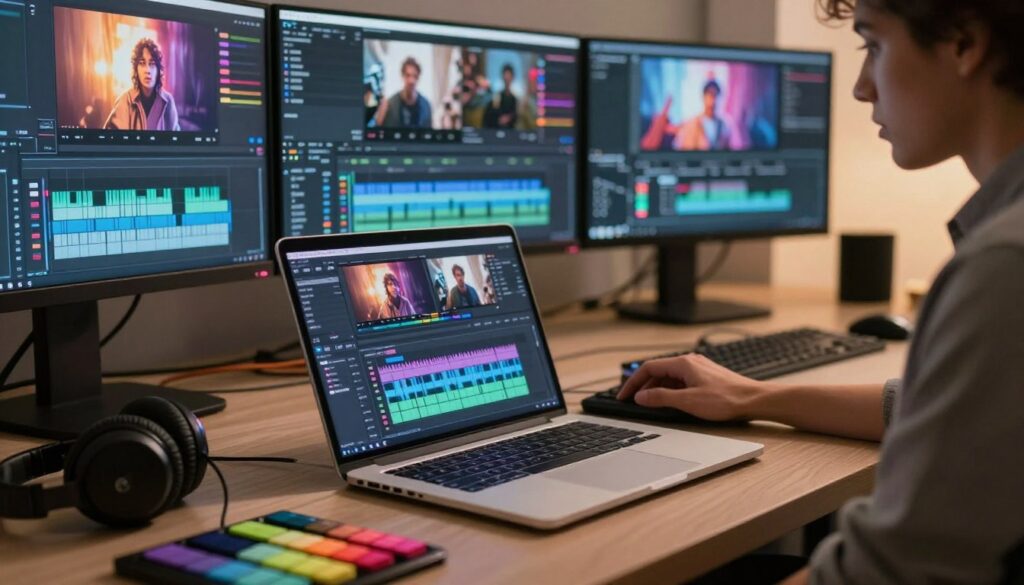
Utilizing Speed Ramping for Dynamic Impact
Speed ramping techniques let you change a clip’s speed smoothly. You can speed up for exciting parts and slow down for calm ones. This makes the video feel alive and full of energy.
- Start by finding the music’s strongest beat.
- Slowly increase the speed before the exciting part.
- Use smooth curves to avoid sudden speed changes.
Adding Keyframe Effects on Beat Drops
Video keyframe animation helps highlight special moments in your music. You can make things zoom, rotate, or blur at the right time. This adds fun and keeps viewers interested.
Good professional video editing uses these small movements to keep things lively. By adding these effects, every music beat becomes special. Make sure the movements are smooth for a natural look.
Color Grading to Match the Mood of the Music
The last step is video color grading. It makes sure the colors match the music’s mood. A dark song looks better with cool colors, and a happy song with bright ones.
Being consistent is key for a pro look. A single color scheme makes your video feel like one piece of art. This makes your work stand out as a compelling cinematic story.